Quick Log · Android home-screen widget
From home screen
to food diary.
A little widget that keeps food logging close. Search, choose your portion, and log your meal without navigating through the app.
Join early access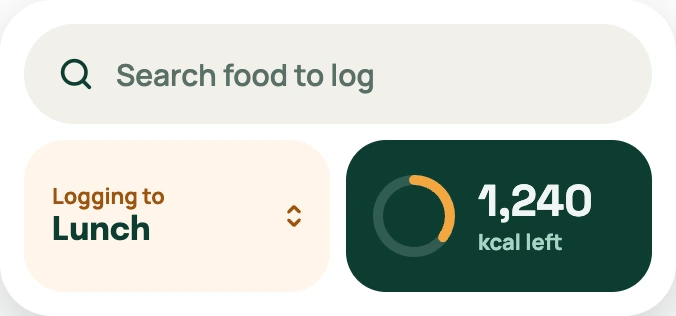 Quick Log · preview
A small shortcut for your day
See how it works.
Start where you already are.
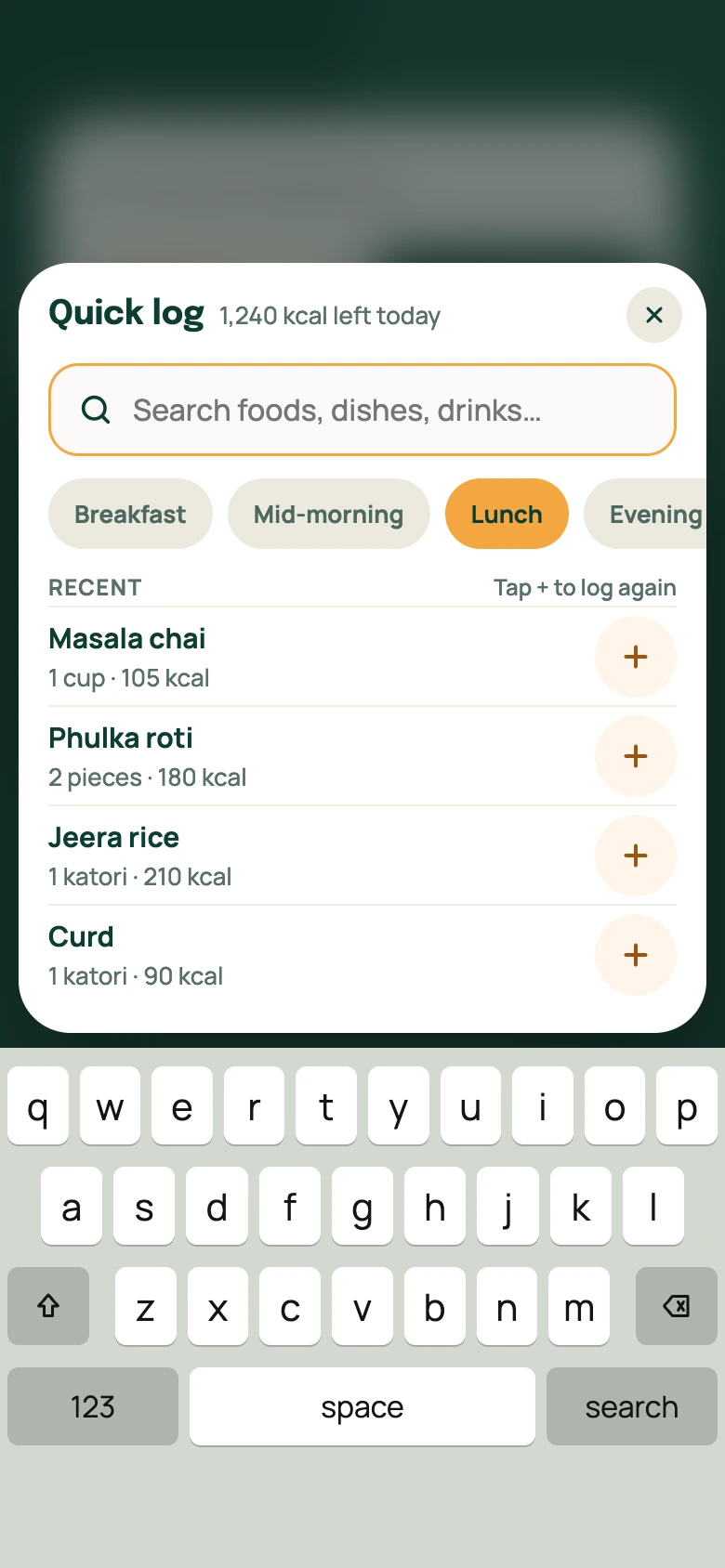
Tap the search bar on your home-screen widget. Quick Log opens over your home screen, with recent foods ready to log again.
Explore the steps above. These preview screens illustrate the Quick Log flow.
Make it feel at home
Keep a shortcut
within reach.
In Neyvi on Android, open your profile and find Home screen widgets. Add Quick Log to your home screen, then tap its search bar whenever you have food to log.
Quick Log is an Android feature during early access. Widget placement depends on your launcher; the app shows the available setup options.
Explore the full food diaryA little more understanding
Make room for
your kind of healthy.
Your food, your routine, your next step.
We’re building Neyvi around it.