A closer look at Neyvi
Small everyday tools.
A clearer picture of you.
Track a meal, save a favourite, understand your week. Get to know the app, one useful detail at a time.
Quick Log · Android home-screen widget
A quick log.
Then back to life.
Search your food, choose a portion, and log it right from your home screen. Your next meal is just a tap away.
Meet the Quick Log widget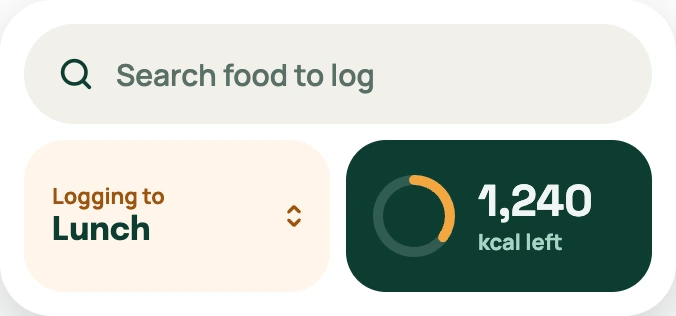 Quick Log · preview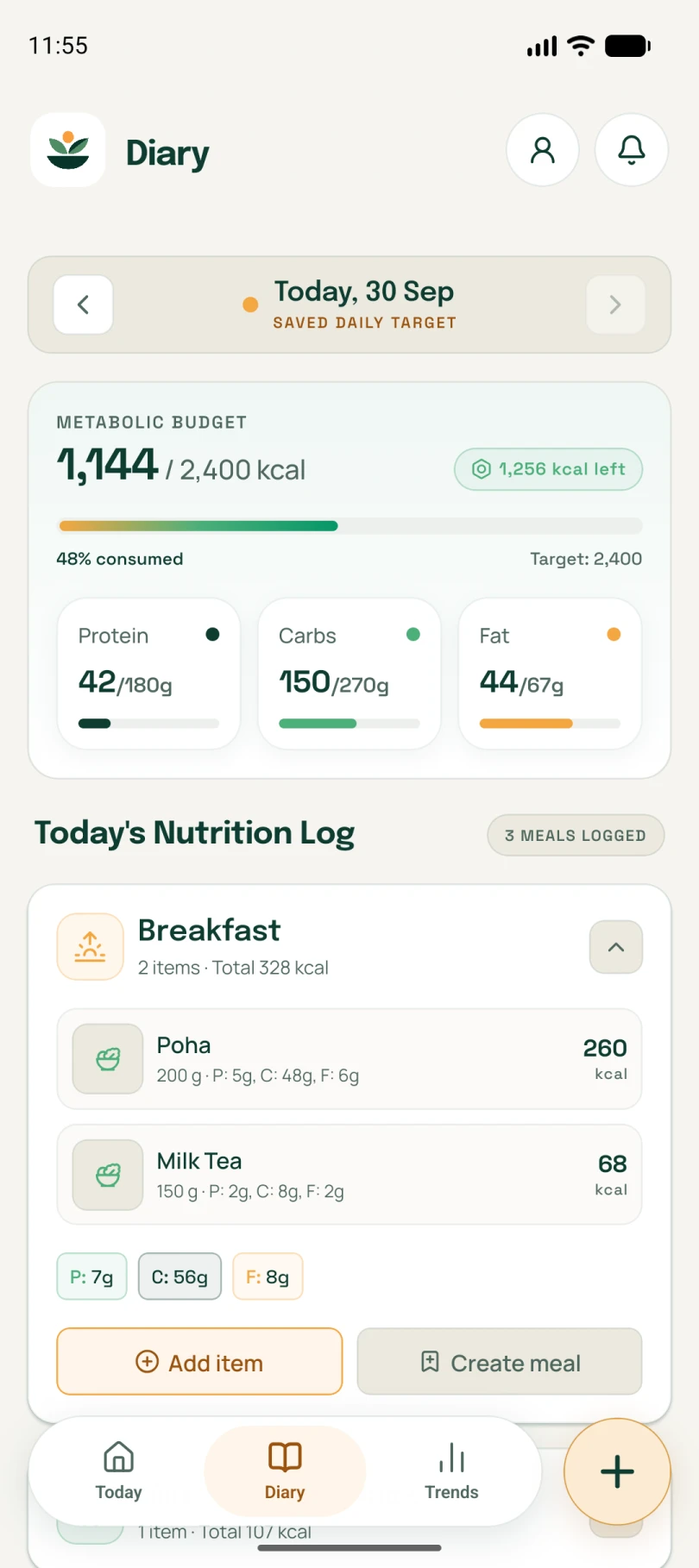
01 / Food tracking
Your food. In the picture.
Find the foods you actually eat, choose your portion, and see your day come together.
Search the Indian food catalogue, with regional names and nutrition profiles for the foods you know.
Explore food tracking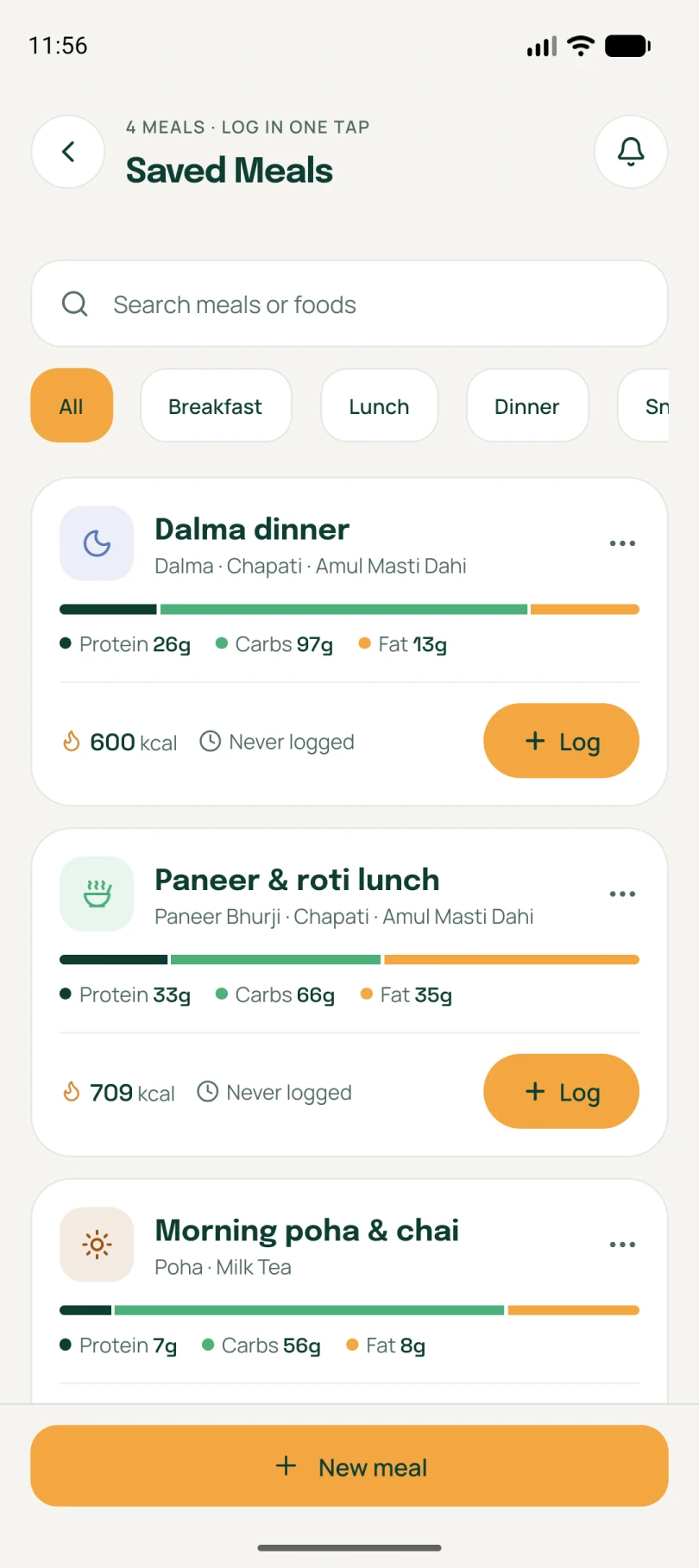
02 / Saved meals
Your usual. Without the usual effort.
Save familiar combinations so the meals you repeat are easier to log again.
Bring foods and their portions together in a named meal you can recognise.
Explore saved meals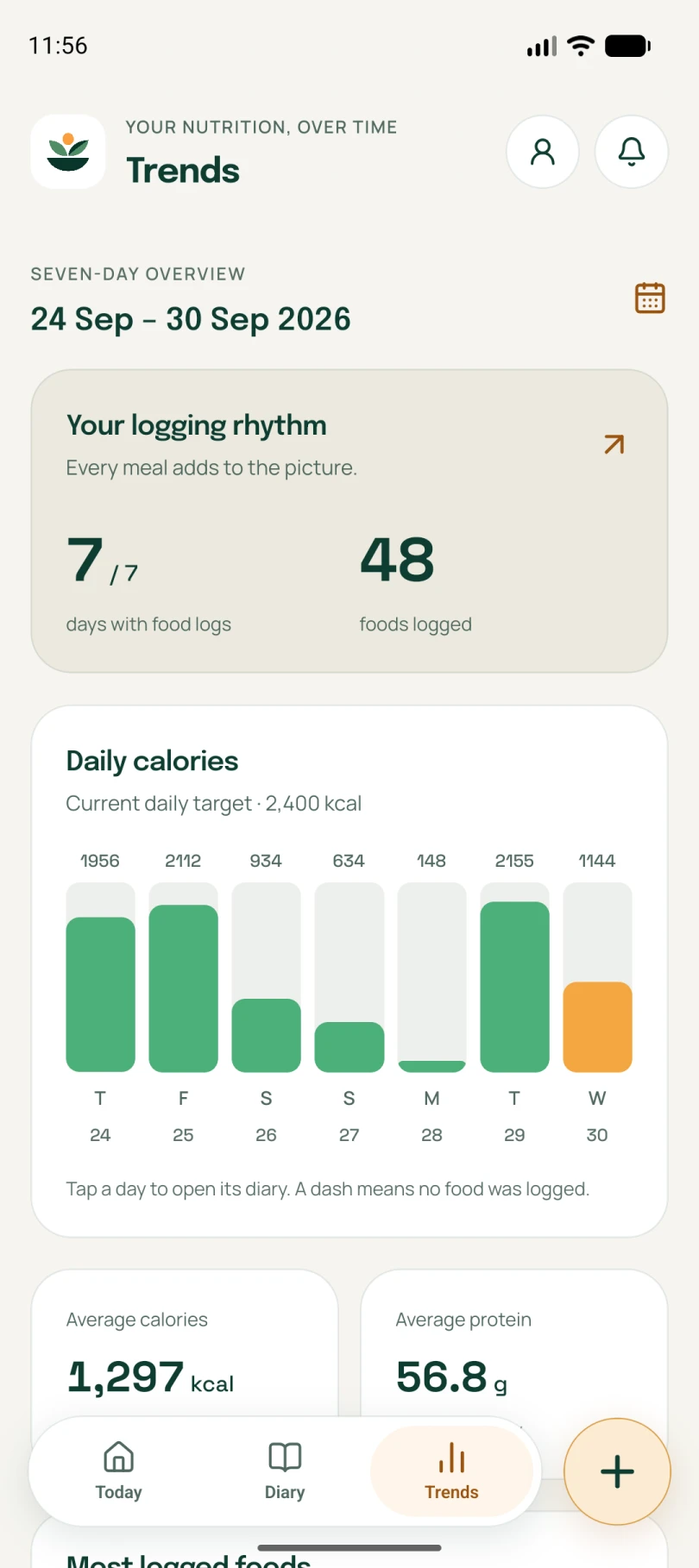
03 / Weekly insights
A little distance. A clearer picture.
Look beyond a single meal and understand the patterns in your logged days.
Neyvi builds its view from the food and days you record. More consistent records create more useful context.
Explore weekly insights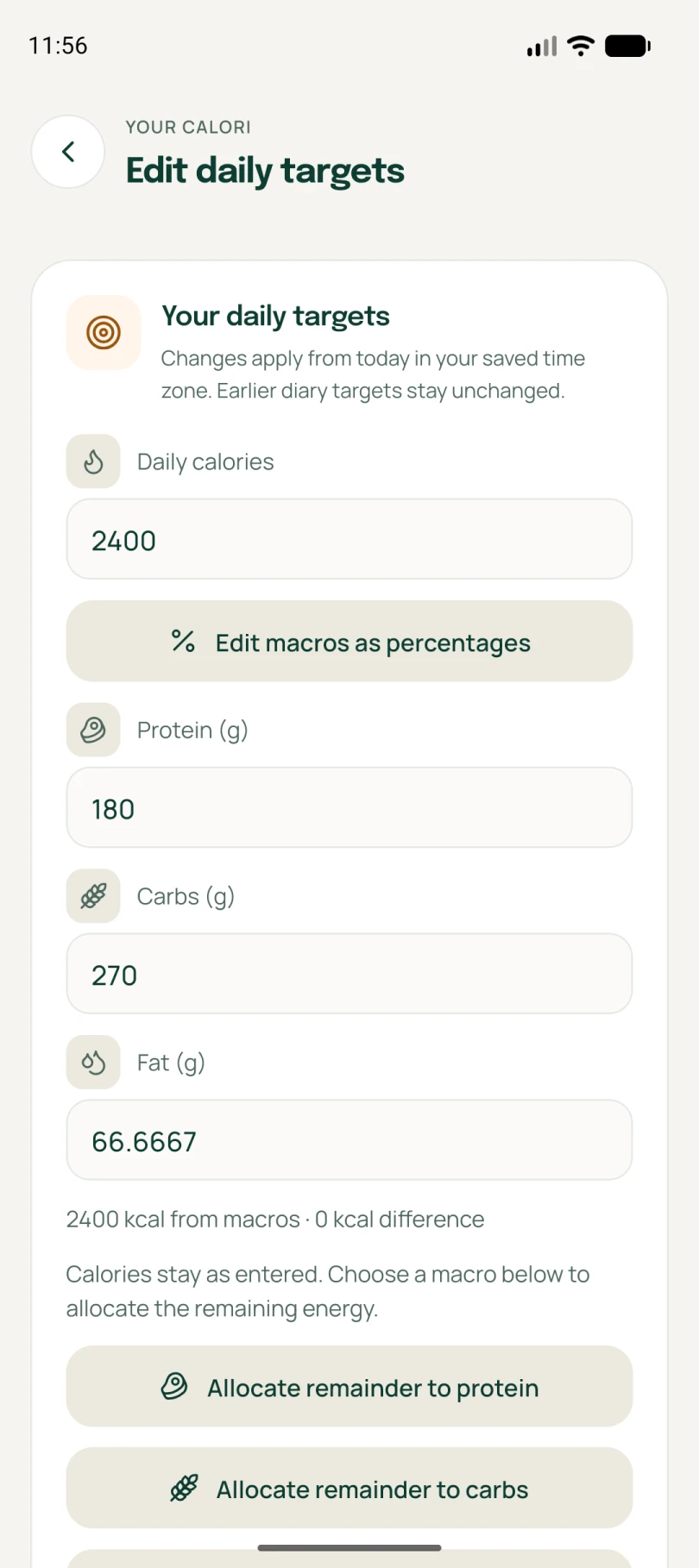
04 / Personal targets
Your targets. Your terms.
Set calories and macros around your goals, and adjust them as your needs change.
Set up your profile and daily targets with your own goals in mind.
Explore personal targetsNeyvi is in early access. Screens show the app with demo data; available features can vary by platform and account.
A little more understanding
Make room for
your kind of healthy.
Your food, your routine, your next step.
We’re building Neyvi around it.